Viewing Your Course’s Enrolment
How to work with the Participants list.
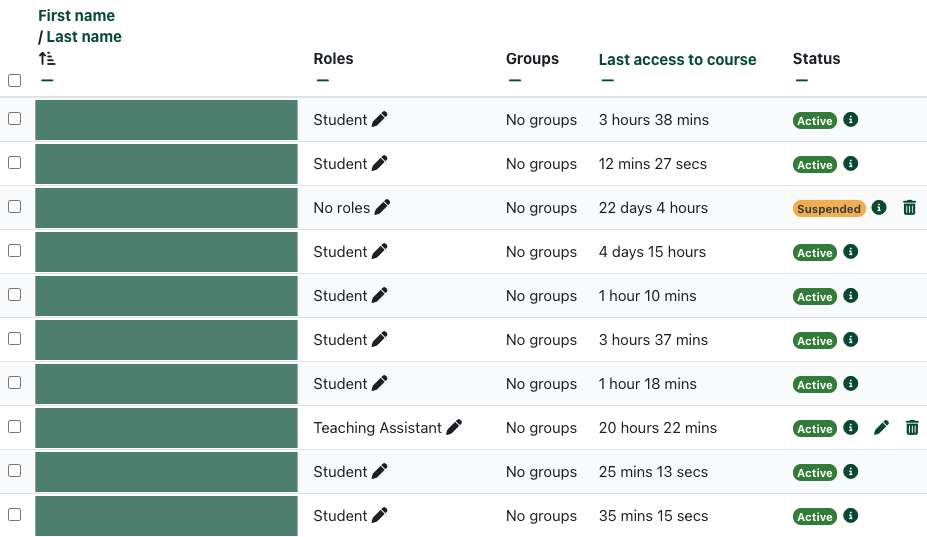
Participants List
The Participants list displays all of the students in your course. This list changes when the enrolment syncs with the Banner database as new students enrol in and some students drop the class.
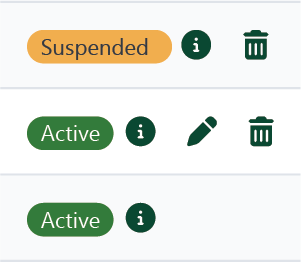
You can easily see students’ status in the course (active or suspended), and click the to see more information about the student’s enrolment in the class.
The and icons only appear for manual enrolments.
allows you to change enrolment options for the student.
allows you to remove the student from the course.