Preparing for your Assessment
Your assessment administrator will specify what you are allowed and not allowed to do during your assessment.
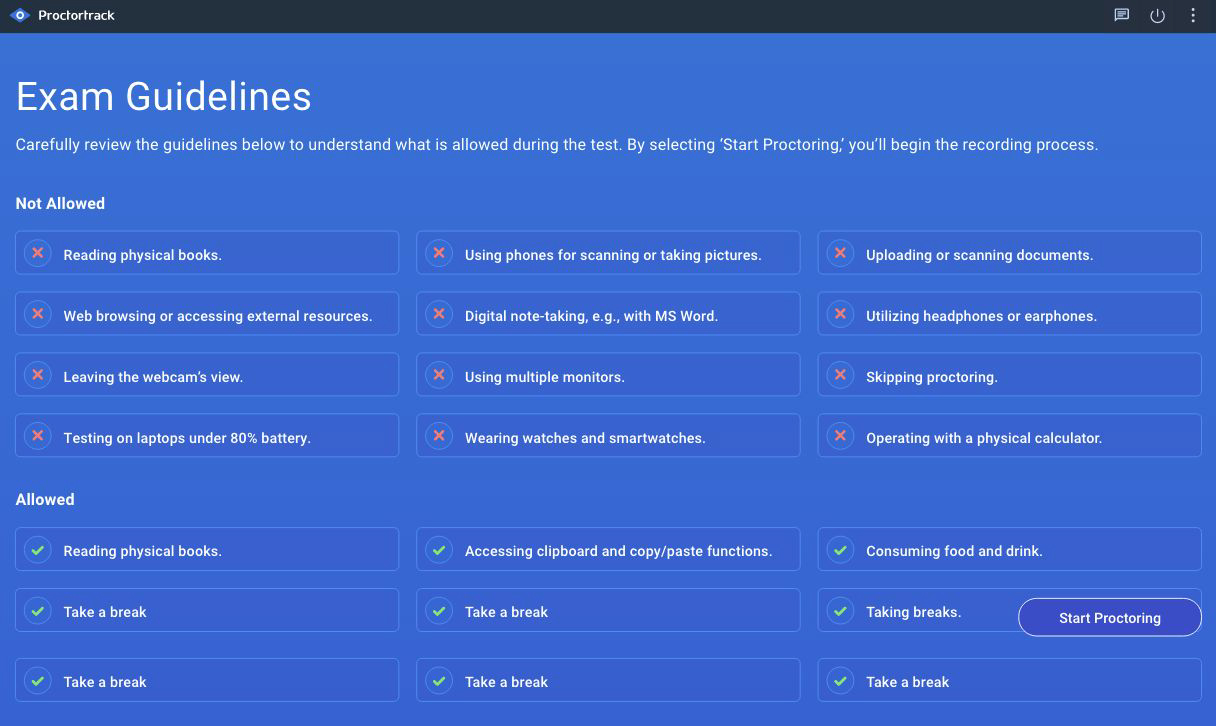
Before starting your exam, the app will display important exam guidelines to help you understand what is allowed and not allowed during the test. These guidelines cover everything from permitted materials to behavior during the exam. You’ll have a chance to review them so you can familiarize yourself with the rules and ensure a smooth testing experience. When you click on Start Proctoring, the app takes you to the test page.
Proctortrack can hide critical system messages, including automatic update and low battery alerts.
We encourage you to ensure that your laptop computer is plugged into a reliable power source, and that you pause auto-update installations.