Getting Help Over Zoom
How to access support over Zoom when it’s available.

Your instructor may allow Zoom for support during exams. If you have any questions about your exam, or technological issues with your exam, you can connect for help there. The Zoom meeting may include your instructor, or you may be connected with UR Support Desk staff.
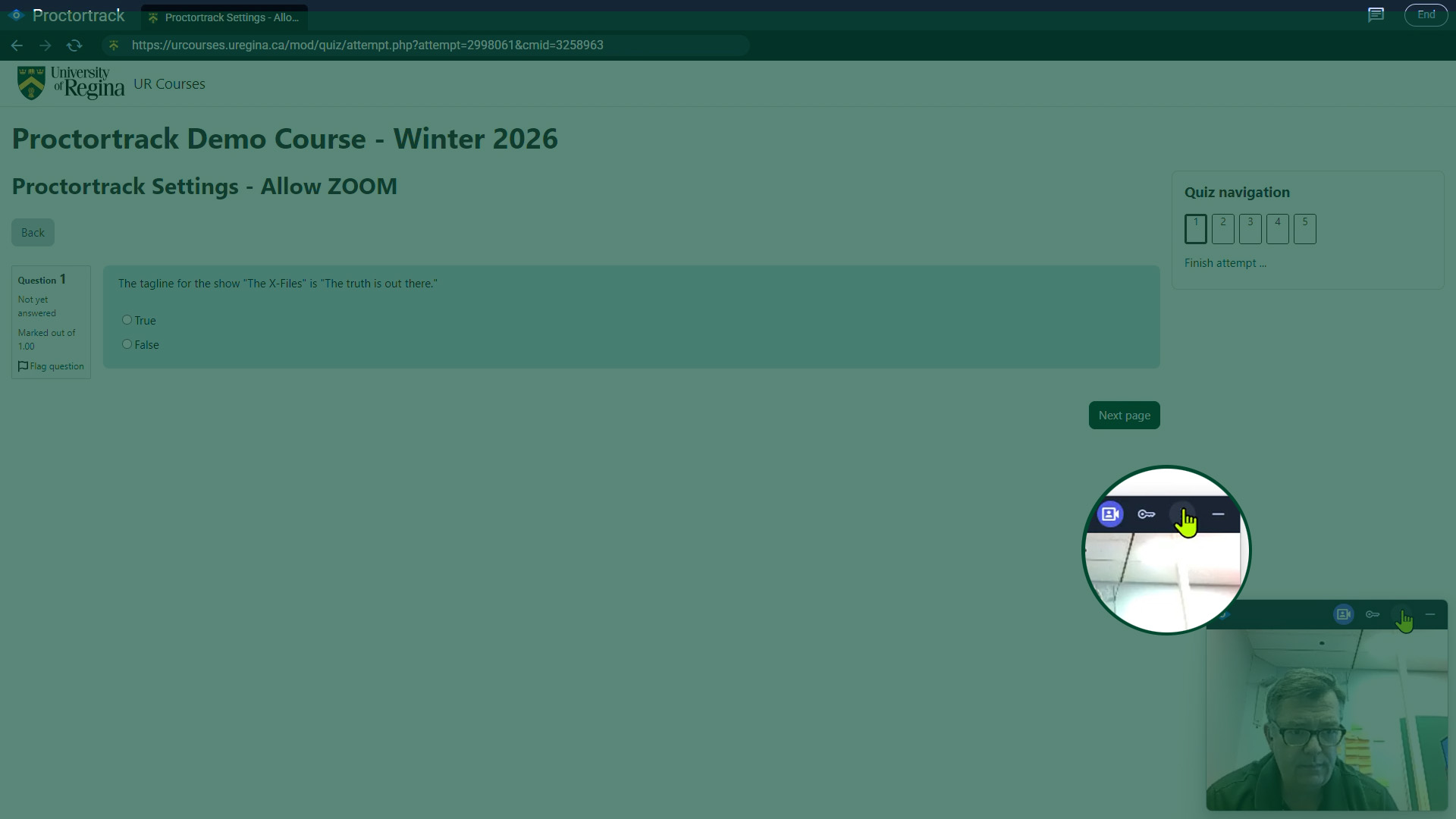
Click the three dots menu to display available options. Your webcam view will be replaced by links to allowed applications and links.
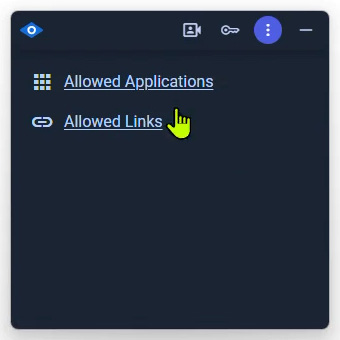
Click Allowed Links to see if there is a Zoom meeting listed.
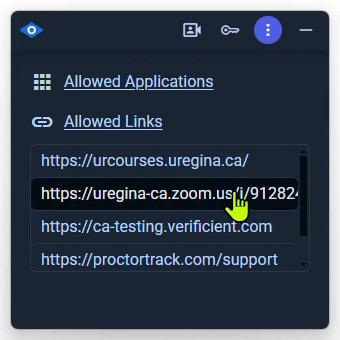
If a Zoom meeting is an option during your exam, click the link to the meeting.
Depending on your system configuration, you may be prompted to download and open the Zoom application. You should cancel that option, and instead click Join from your browser.